지금까지 우리가 사용한 델리게이트는 입력 파라미터를 사용하지 않았다.
이 레시피에서는 델리게이트의 시그니처를 변경해 입력을 허용하는 방법을 설명한다.
지금까지 해왔던 방식과 크게 다르지 않아 약소하게 구동방법을 적는다.
1. 기존의 게임모드에 변경된 코드
DECLARE_DELEGATE_OneParam(FParamDelegateSignature,FLinearColor)
UCLASS()
class WILLIAM_API AGameModeBase_05 : public AGameModeBase
{
GENERATED_BODY()
public:
FParamDelegateSignature MyOneParameterDelegate;
};
2.새로운 C++ Actor클래스를 만들어준다.
Headder
#pragma once
#include "CoreMinimal.h"
#include "Components/PointLightComponent.h"
#include "GameFramework/Actor.h"
#include "ParamDelegateListener.generated.h"
UCLASS()
class WILLIAM_API AParamDelegateListener : public AActor
{
GENERATED_BODY()
public:
UPROPERTY()
UPointLightComponent* PointLight;
UFUNCTION()
void SetLightColor(FLinearColor LightColor);
public:
// Sets default values for this actor's properties
AParamDelegateListener();
protected:
// Called when the game starts or when spawned
virtual void BeginPlay() override;
public:
// Called every frame
virtual void Tick(float DeltaTime) override;
};
3.Cpp의 파일에도 코드를 추가해준다.
// Fill out your copyright notice in the Description page of Project Settings.
#include "ParamDelegateListener.h"
#include "GameModeBase_05.h"
#include "Kismet/GameplayStatics.h"
AParamDelegateListener::AParamDelegateListener()
{
PrimaryActorTick.bCanEverTick = true;
PointLight = CreateDefaultSubobject<UPointLightComponent>("PointLight");
RootComponent = PointLight;
}
void AParamDelegateListener::BeginPlay()
{
Super::BeginPlay();
UWorld* TheWorld = GetWorld();
if(TheWorld!= nullptr)
{
AGameModeBase* GameMode = UGameplayStatics::GetGameMode(TheWorld);
AGameModeBase_05* MyGameMode = Cast<AGameModeBase_05>(GameMode);
if(MyGameMode!=nullptr)
{
MyGameMode->MyOneParameterDelegate.BindUObject(this, &AParamDelegateListener::SetLightColor);
}
}
}
void AParamDelegateListener::Tick(float DeltaTime)
{
Super::Tick(DeltaTime);
}
void AParamDelegateListener::SetLightColor(FLinearColor LightColor)
{
PointLight->SetLightColor(LightColor);
}
4.기존의 TriggerBolum의 클래스 코드에 변경된 코드를 추가한다.
void AMyTriggetrVolume::NotifyActorBeginOverlap(AActor* OtherActor)
{
Super::NotifyActorBeginOverlap(OtherActor);
GEngine->AddOnScreenDebugMessage(-1, 1, FColor::Red, FString::Printf(TEXT("%s Entered Me"), *(OtherActor->GetName())));
UWorld* TheWorld = GetWorld();
if (TheWorld != nullptr)
{
AGameModeBase* GameMode = UGameplayStatics::GetGameMode(TheWorld);
AGameModeBase_05* MyGameMode = Cast<AGameModeBase_05>(GameMode);
if (MyGameMode != nullptr)
{
MyGameMode->MyOneParameterDelegate.ExecuteIfBound(FLinearColor::Yellow);
}
}
}
5.실행결과
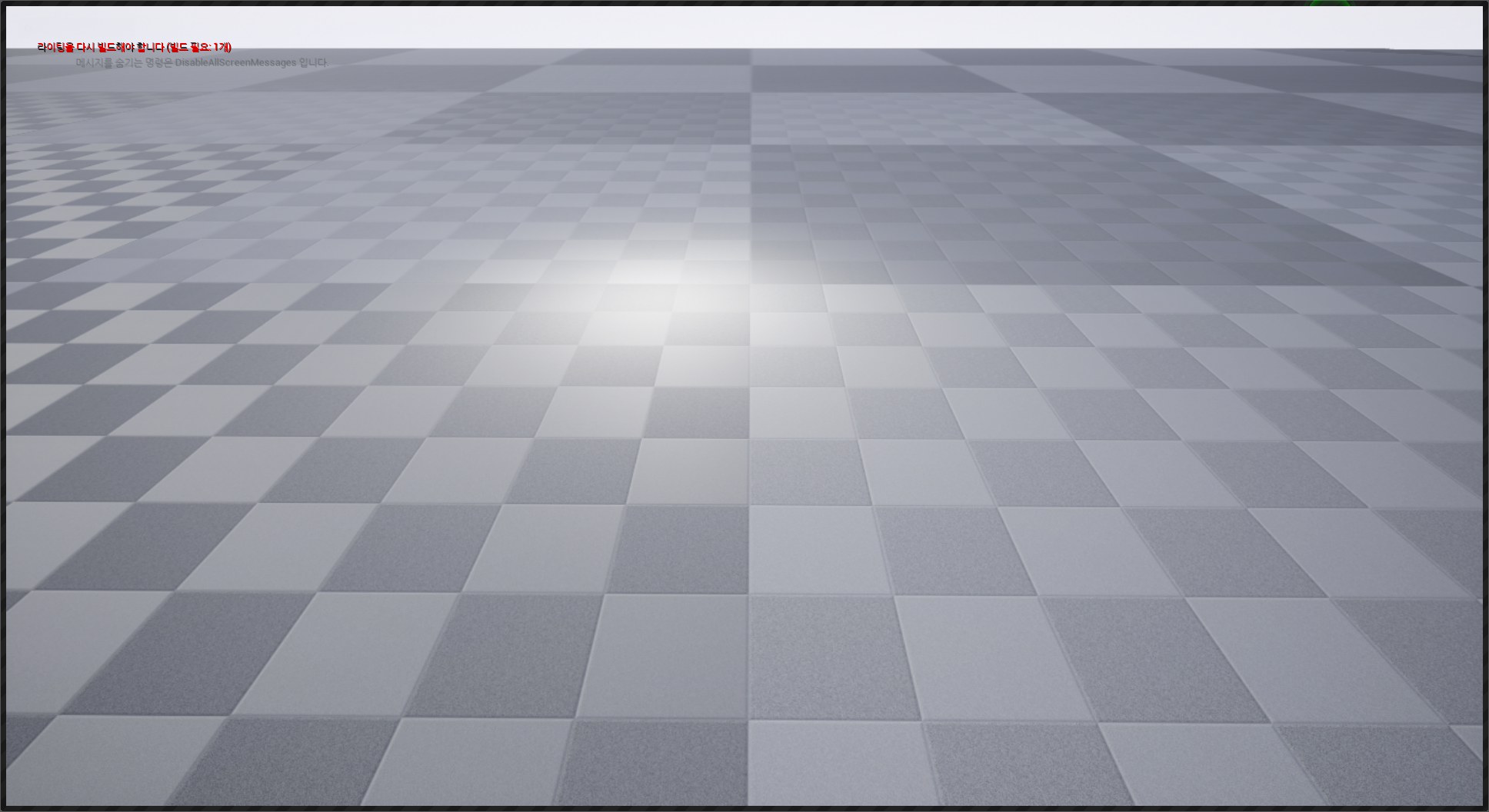

- 델리게이트 바인딩을 사용해 페이로드 데이터 전달
최소한의 변경만으로 생성시간에 파라미터들을 델리게이트로 전달할 수 있다.
다음 레시피에서는 데이터를 파라미터로 항상 델리게이트 호출에 전달하도록 지정하는 방법을 보여준다.
바인딩이 생성되면 데이터가 계산되고, 그 시점부터 변경되지 않는다.
간단한 코드 변경으로 코드파일만 첨부.
기존 코드의 변경점
AParamDelegateListener.Cpp 파일
if(MyGameMode!=nullptr)
{
MyGameMode->MyOneParameterDelegate.BindUObject(this,&AParamDelegateListener::SetLightColor,false);
}
void AParamDelegateListener::SetLightColor(FLinearColor LightColor,bool EnableLight)
{
if (EnableLight)
{
PointLight->SetLightColor(LightColor);
PointLight->SetVisibility(EnableLight);
}
else
{
PointLight->SetVisibility(EnableLight);
}
}
'UnraealEngine' 카테고리의 다른 글
| Unreal4 이벤트와 델리게이트 처리하기 5)TimeofDay 핸들러 생성 (0) | 2021.08.25 |
|---|---|
| Unreal4 이벤트와 델리게이트 처리하기 5)사용자 정의 이벤트 생성 (0) | 2021.08.24 |
| Unreal4 이벤트와 델리게이트 처리하기 4)멀티캐스트 델리게이트 생성 (0) | 2021.08.24 |
| Unreal4 이벤트와 델리게이트 처리하기 2)델리게이트 등록 및 해제 (0) | 2021.08.24 |
| Unreal4 이벤트와 델리게이트 처리하기 1)가상 함수로 구현된 이벤트 핸들링 (1) | 2021.08.24 |